
Add disk to a server without changing the server
A volume is an SSD disk that attaches to a cloud server you already run. When the database or the uploads folder outgrows the machine, add storage instead of buying more cores and memory you do not need.
- From 10 GB to 10 TB
- Up to 16 volumes on one server
- Every block kept on three machines
- Grow a volume whenever you like
Billed per GB a month, with no minimum term. Move the slider to see what a volume of that size costs; the exact size is yours to pick when you order.
Common sizes, and what they cost
Any size between 10 GB and 10 TB is available; these are simply the ones people ask for most. Prices are for the volume alone, on top of the server it attaches to.
| Volume | Good for | Per month | |
|---|---|---|---|
| 10 GB | Logs, exports and small databases | PKR 300 | Order |
| 50 GB | Logs, exports and small databases | PKR 1,450 | Order |
| 100 GB | A growing database or an uploads folder | PKR 2,900 | Order |
| 250 GB | A growing database or an uploads folder | PKR 7,250 | Order |
| 500 GB | Media libraries and busy databases | PKR 14,500 | Order |
| 1 TB | Media libraries and busy databases | PKR 29,050 | Order |
| 2 TB | Archives, video and large datasets | PKR 58,100 | Order |
| 5 TB | Archives, video and large datasets | PKR 145,200 | Order |
| 10 TB | Archives, video and large datasets | PKR 290,400 | Order |
Volumes are billed per GB a month for as long as they exist, whether or not a server is attached to them. Annual billing takes 10% off and is charged once for the year. Prices exclude taxes where they apply.
Storage that behaves like a disk, and keeps three copies
A volume is not a network share or an object store. It appears in the server as a block device, so anything that writes to a disk writes to it.
Triple replication
Every block of a volume is stored on three separate physical machines, so a hardware failure does not take your data with it.
Up to 5,000 IOPS
Up to 5,000 sustained IOPS and 7,500 in burst, with up to 200 MB/s sustained throughput and 300 MB/s in burst.
ext4 or XFS
Tell us which you want and we format and mount it for you, or leave it raw and do it yourself.
Grow whenever you need to
A volume can be made larger at any time, and the filesystem extended to match. Volumes cannot be made smaller, so start where you are.
One server at a time
A volume attaches to a single server, which is what keeps a filesystem honest. Tell us when it should move and we will move it.
In every location
Volumes are available in all six data centres, and live in the same location as the server they serve.
No minimum term
Billed per GB a month for as long as the volume exists, with no setup fee. Take 10% off by paying for the year.
Keeps its data when detached
Detach a volume and its data stays on it, ready to attach to another server in the same location when you need it there.
On the same invoice
The volume is billed in rupees on the same account as the server it serves, and your domains, hosting and email.
Pay for the space, not for cores you will not use
Server plans pair disk with processor and memory, so growing the disk alone usually means paying for a bigger machine. A volume breaks that link: keep the server that suits your traffic and put the data somewhere it can grow.
- Keep the server you have and add space to it
- Add up to 16 volumes to one server
- Different sizes for different jobs, on the same machine
- Detach a volume you no longer need and stop paying for it
- No minimum term and no setup fee
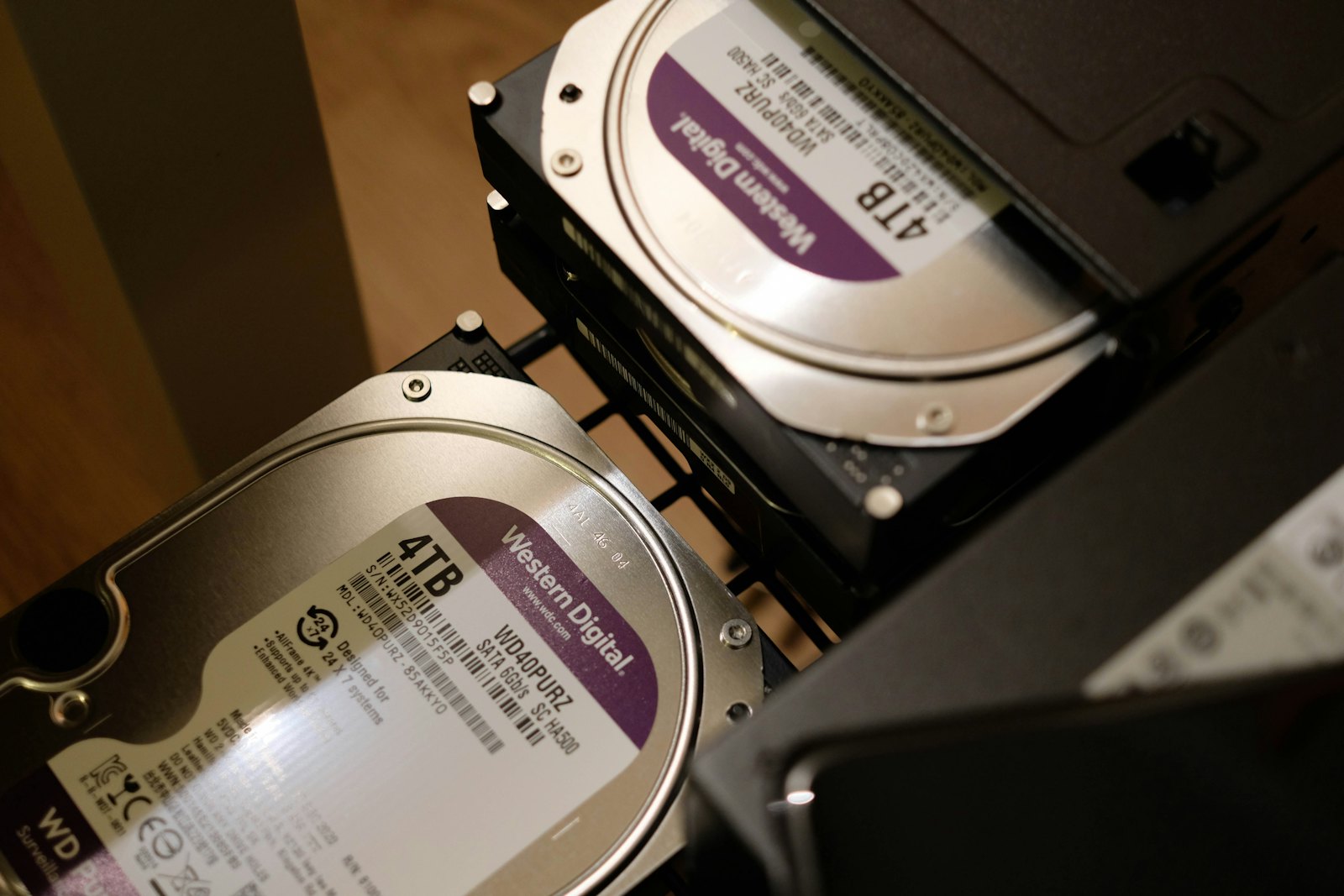
The data that outgrows a server first
Databases
Keep the data directory on a volume, so the database can grow without rebuilding the server around it.
Uploads and media
User uploads, photographs and video are what usually fill a disk. Give them their own space and stop watching the free-space graph.
Logs and backups of your own
Application logs, exports and copies you take yourself, kept apart from the system disk.
Docker volumes and build caches
Images, layers and caches that grow quietly until a deploy fails at three in the morning.
Volumes attach to WebSols Cloud Servers
Block storage is an add-on to our unmanaged cloud servers, not a product on its own. Pick the server that suits your traffic, then give it as much storage as your data needs.
Value
from PKR 15,000The lowest price on WebSols Cloud, on processor generations that have been in service long enough to have nothing left to prove. The disks, the network and the traffic are the same as every other line; what you share is the processor, so speed moves a little with the neighbours. Ideal for test boxes, staging copies, prototypes and small sites.
Performance
from PKR 17,000Newer AMD generations, still shared, with the best balance of price and speed. The usual choice for websites, small databases, staging and development.
Dedicated
from PKR 27,350Dedicated vCPUs, one per physical thread, so nothing else competes for your processor time. For busy databases, game servers, CI, SaaS and anything under constant load.
The volume and its server live in the same location, and both appear on one monthly invoice in rupees.
See cloud servers and pricesEverything in numbers
What a volume can and cannot do.
- Smallest volume
- 10 GB
- Largest volume
- 10 TB
- Volumes per server
- Up to 16
- Servers per volume
- One at a time
- Replication
- Three physical machines
- IOPS
- Up to 5,000 sustained, 7,500 burst
- Throughput
- Up to 200 MB/s, 300 MB/s burst
- Filesystems
- ext4 or XFS
- Resize
- Larger any time, never smaller
- Locations
- All six data centres
Worth knowing before you order
- Server backups and snapshots do not include volumes, so keep your own copy of anything important
- A volume cannot be shrunk once it has been made larger
- A volume is billed for as long as it exists, attached or not
- Only cloud servers can use volumes
The rest of the platform
WebSols Cloud Servers
The unmanaged NVMe servers volumes attach to, with root access and monthly pricing.
Read more →Load Balancers
Put several of those servers behind one address, with health checks and TLS.
Read more →Cloud Share
Storage for people rather than servers: files, folders and sharing for your team.
Read more →Block storage, answered
What people ask before adding a volume.
What is a volume, in plain terms?
An extra disk for a server you already have. It appears in the operating system as a block device, you put a filesystem on it, and everything that writes to a disk can write to it.
What is a volume, in plain terms?
An extra disk for a server you already have. It appears in the operating system as a block device, you put a filesystem on it, and everything that writes to a disk can write to it.
Give your server room to grow
Tell us the server and the size, and we will attach the volume, format it and mount it, usually the same day.