

Your team's files, with a real backup behind them
One place for everything your team works on, reachable from any device, on your own domain. Unlimited users, no per-seat billing, and automatic backups taken several times a day and held on separate machines, which is the part a consumer drive does not give you.
- 1 TB to 10 TB
- Scale up or down without losing anything
- Unlimited users
- No per-seat licence, ever
- Automatic backups
- Several times a day, onto separate machines
- Your domain
- files.yourcompany.com, not a stranger's URL
The day you need a backup, you need it badly
Nobody buys storage because of a bad day. They buy it after one. These are the six that come up most often, and not one of them is exotic.
A laptop is lost, stolen or simply dies
If the only current copy of a project lived on that machine, the project went with it. Hardware fails without warning and never at a convenient moment.
Ransomware encrypts the folder
This is the one that catches people who thought they were covered. The encrypted files sync upward within seconds and overwrite the good copies everywhere, because that is exactly what sync is built to do.
Somebody deletes the wrong folder
A mis-drag on a Friday afternoon removes it from every device that is signed in. Often nobody notices until the following week.
A person leaves
When work files live in an individual's personal account, they leave when the person does, along with the sharing links everyone else was using.
A file corrupts quietly
A damaged save writes over a good file. Without a copy taken at a point in time, there is nothing to compare it against and nothing to return to.
The account itself is locked
Suspended for a billing problem, locked after a password reset, closed by the person who opened it. Everything inside goes behind the same door, and so does the recycle bin you were counting on.
Every one of these is survivable with a backup that sits outside the sync, and expensive without one. That is the entire argument for this product.
Pick the size, not the seat count
Every plan carries unlimited users. You are buying storage and the connections that go with it, not a licence per person, so adding the tenth or the hundredth colleague costs nothing.
A first shared drive for a small team that is tired of email attachments.
- Storage1 TB
- UsersUnlimited
- At the same time50 connections
- Subdomains3
- TrafficUnlimited
- BackupsSeveral a day
The size most companies settle on once design files, photography and years of archives are in one place.
- Storage5 TB
- UsersUnlimited
- At the same time100 connections
- Subdomains7
- TrafficUnlimited
- BackupsSeveral a day
For teams working in video, imaging or drawings, where a single project folder is measured in hundreds of gigabytes.
- Storage10 TB
- UsersUnlimited
- At the same time200 connections
- Subdomains10
- TrafficUnlimited
- BackupsSeveral a day
Changing size takes a few steps in your billing account and nothing is lost: not a file, not your address, not the sharing links people are already using. It works in both directions, so a busy year does not commit you to the larger plan forever. Longer terms lock the rupee price for the whole term.
How your data is kept safe
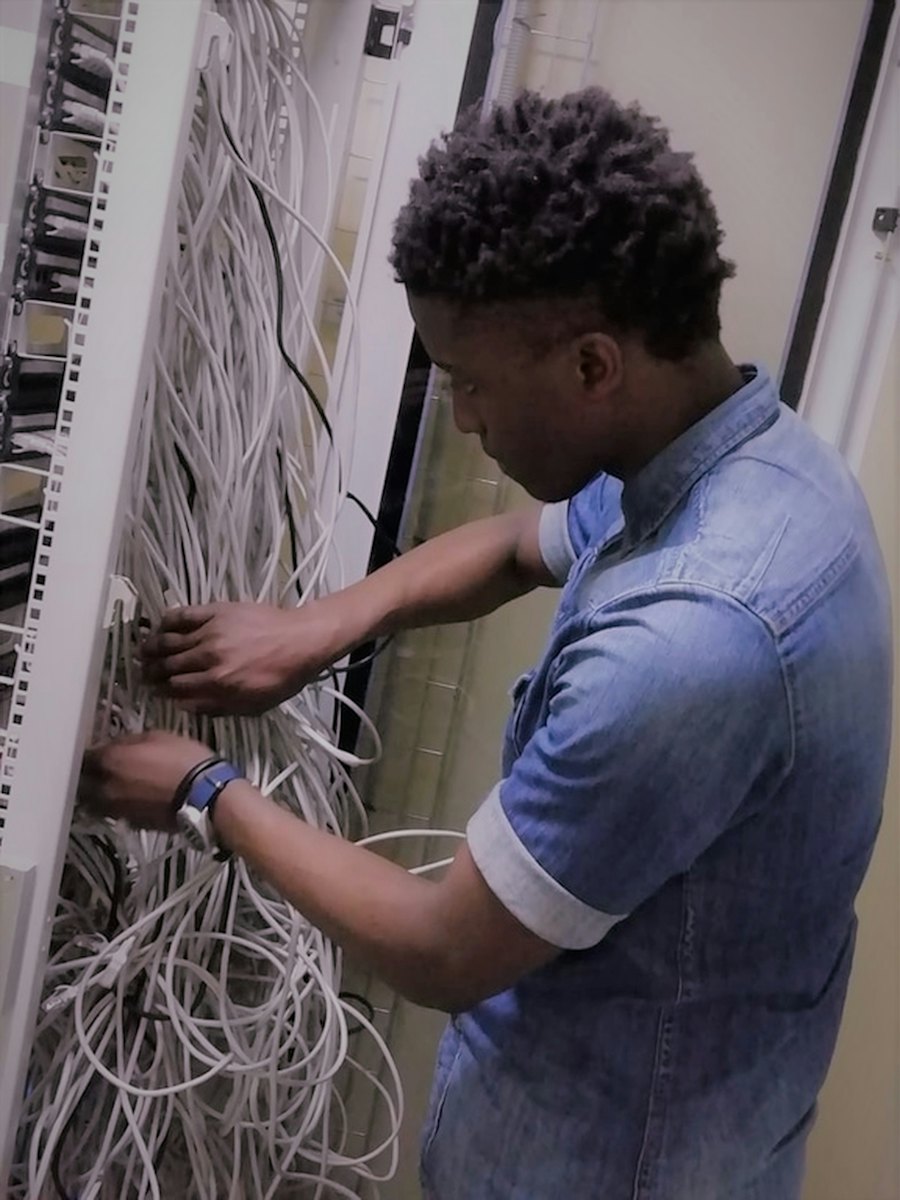
Four things do the heavy lifting: automatic backups, storage that survives hardware failing, engineers watching it around the clock, and a data centre governed by European data protection law. None of them are extras and none of them depend on which plan you are on.
Automatic backups
The storage backend and the database are both copied automatically, onto separate host machines, so a failure that reaches your storage cannot reach the copies of it.
Can fail at once, and nothing stops
The storage backend is RAID-based. Combined with the clustered databases, the probability of a failure reaching your data is very low.
Watched by our engineers
We administer your Cloud Share for you. Automated systems monitor it around the clock and updates are installed without you scheduling a maintenance window.
European data centre
Your Cloud Share sits in an EU data centre operating under the General Data Protection Regulation, and we can put a data processing agreement in place if your clients or auditors ask.
Databases run as a cluster
A high-availability cluster rather than one machine, so the part that tracks where everything lives is itself redundant.
Silent corruption is caught
Checksums verify data as it is read and errors are corrected automatically, so damage is found rather than quietly copied forward.
Two-factor and encrypted in transit
Two-factor authentication on every account, enforceable across the team, and a certificate included so traffic to the store is encrypted.
Your own instance
An installation of your own rather than a folder inside somebody else's system, which is what makes the admin rights and the custom domain work.
You administer none of this. There is no server to patch, no certificate to renew, no backup job to check and no upgrade weekend.
You end up with three copies, not one
This is the part worth reading twice. A working copy on your devices is one copy. Version history inside the app is a second. Neither of them helps if the storage itself is the thing that has the bad day, which is what the third copy is for.
- 1On every device and in the store
Your live files
Nothing, and it is not meant to. This is the working copy, and every change you make reaches it immediately.
- 2Inside the app
Versions and trash
A bad edit or a single deleted file, as long as you notice inside the retention window and the account is still open to you.
- 3Off your storage entirely
Backups on separate machines
The cases the first two cannot: the storage failing, ransomware reaching everything at once, or a deletion nobody spotted for a fortnight.
- Taken automatically, several times every day. There is no schedule for you to set and nothing for anyone to remember on a Friday.
- Written to separate host machines, so a failure that reaches your storage does not reach the copies of it.
- Covers the storage backend and the database, not just the files, which is what keeps your sharing, permissions and comments intact rather than handing you back a bare folder.
- Restore a single file or the whole account. Ask us and we will do it with you rather than sending you a manual.
This is the difference between storage you can use and storage you can rely on, and it is on every plan from the smallest upwards at no extra cost.
Sync is not backup, and they are not the same purchase
Sync exists to make every copy identical. That is its job and it does it well, including when the change was a mistake. A backup exists to keep a copy that is deliberately not identical to what you have now.
You delete a folder by mistake
It disappears from every signed-in device. There is a bin to dig through for a limited period, inside the same account.
Restore from a copy taken before the deletion, or roll a single file back through its version history.
Ransomware encrypts your files
The encrypted versions sync up and take the place of the good ones, usually faster than anyone notices.
The scheduled copies sit outside the sync, on separate machines, so there is a clean state to come back to.
Somebody leaves the company
Files held in a personal account go with the person, and so do the share links the rest of the team was using.
Files live in the company account on your own domain, with the admin rights held by you.
You need the version from three weeks ago
Version history covers some file types for a limited window, and the window is shorter than most people assume.
Copies are taken several times a day and kept, alongside per-file versions in the app itself.
What you are actually paying for
A place to put files, with a safety net attached to the same account.
A place to put files, plus a separate copy of all of them that is not a mirror of today.
This is not an argument against the drive you already use. It is the reason a business keeps a backup of anything it cannot afford to lose, wherever that thing happens to live.
Everything in the box, on every plan
There is no smaller edition. The 1 TB plan and the 10 TB plan run the same software with the same features; the difference is how much you can put in it and how many people can be in at once.
Desktop sync
Clients for Windows, macOS and Linux. Choose which folders live on the machine and which stay in the cloud.
Mobile apps
iOS and Android, with automatic camera upload if you want photographs off the phone and into the company store.
Documents in the browser
Open and edit Word, Excel and PowerPoint files together, in the browser, with no licence to buy per person.
Sharing with rules
Share inside the team or with a client by link, with a password, an expiry date and read-only or edit rights.
Calendars, contacts and tasks
Shared team calendars and address books that connect to Outlook and to the calendar app on your phone.
Mount it like a drive
WebDAV support means the store can appear as a network drive on a desktop for people who prefer that.
Versions and trash
Every file keeps its earlier versions and a deleted file waits in the bin, so small mistakes never need a restore request.
Your own domain
Runs on a subdomain of your company, with the certificate included, so staff and clients see your name and not ours.
Unlimited traffic
Internal and external, with nothing metered. Upload and download as much as you like without watching an allowance.
Grow or shrink it
Move between 1 TB, 5 TB and 10 TB from your billing account in a few steps, in either direction, without losing a file.
Add the apps you need
The platform has an app store, so calendars, boards, forms and dozens of other tools can be switched on when you want them.
Webmail and Outlook
Mail, calendars and address books that connect to Outlook, so nobody has to change the program they work in.
One file, not five copies of it
The usual mess is a document emailed around and returned as four versions with different edits in each. Everything here happens in the one file, which means there is never a question of which copy is the real one.
- Edit the same document at the same time, in the browser
- Comment and assign, so feedback stays with the file
- Kanban boards for work that moves through stages
- Group folders that new staff inherit automatically
- Share out to a client by link, or straight to another Cloud Share

Every device, one set of files
People work from a laptop at the office, a phone on the road and a home machine at the weekend. All three see the same store, and a file saved on one is on the others before anyone asks for it.
- Desktop clients for Windows, macOS and Linux
- Apps for iOS and Android, with camera upload
- Any browser, with nothing to install
- Mount as a network drive over WebDAV
- Choose what syncs down and what stays in the cloud
Teams with files worth keeping
Agencies and studios
Artwork, video and client folders that are far too large to email and far too valuable to keep on one designer's laptop.
Clinics and practices
Records that have to stay under your control, on your own domain, with access you can grant and remove yourself.
Construction and engineering
Drawings and site photography coming in from phones on location and landing straight in the project folder.
Legal and accountancy
Matter files kept in one place with a clear history, rather than in mailboxes belonging to whoever happened to handle it.
Schools and institutes
Shared resources for staff and students without buying a licence for every individual user.
Anyone leaving a personal drive behind
If your company runs on somebody's individual account, this is the migration that fixes it.
The rest of the platform
Storage Hosting
The same Nextcloud, run by you instead of by us, on storage from PKR 3,150 a month. Cheaper, and yours to look after.
Read more →Cloud Hosting
Autoscaling hosting for the website itself, with no CPU or memory caps and a free global CDN.
Read more →Domain Registration
Register the name you will run this on. Free DNS and transfer lock on every domain.
Read more →Website Turbo
The add-on that makes a hosted site answer faster, on faster processors and pre-fetched to every edge.
Read more →Cloud Share, answered plainly
How is this different from Google Drive or OneDrive?
Three things. It runs on your own domain with the administration in your hands rather than in a personal account. It charges for storage rather than per person, so unlimited colleagues cost nothing extra. And the whole store is backed up several times a day onto separate machines, which is a different thing from a recycle bin and a version history living inside the same account.
How is this different from Google Drive or OneDrive?
Three things. It runs on your own domain with the administration in your hands rather than in a personal account. It charges for storage rather than per person, so unlimited colleagues cost nothing extra. And the whole store is backed up several times a day onto separate machines, which is a different thing from a recycle bin and a version history living inside the same account.
Put the files somewhere they survive
Pick a size, point a subdomain at it and we will move what you have today. Most teams are working out of it the same week.